How to Create a GST Invoice Correctly: A Practical Guide for Indian Businesses
A practical, source-backed guide to creating GST invoices correctly in India: required particulars, B2B vs B2C, CGST/SGST vs IGST, e-invoicing, worked examples, and a pre-issue checklist.
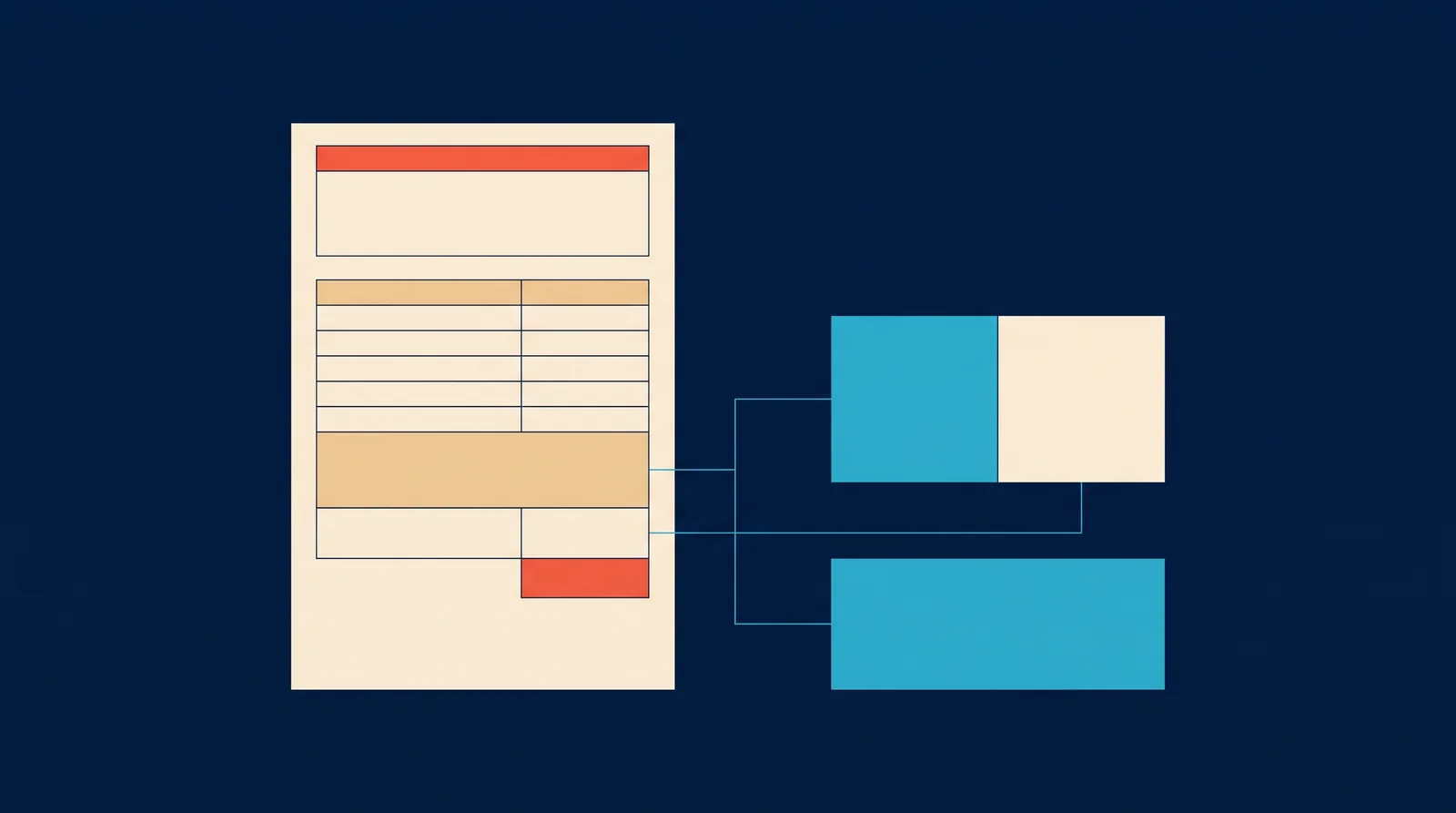
To create a GST invoice correctly, start with the required particulars, then make sure every invoice line carries the right description, HSN or SAC, quantity, unit, taxable value, and tax split. A correct invoice helps the buyer claim input tax credit, keeps the seller's records clean, and avoids correction work later.
This guide walks through each field, when a tax invoice is required, how B2B and B2C differ, and when e-invoicing is a separate obligation. It is general information, not tax advice — confirm anything specific to your business with a tax professional.
What a GST tax invoice is
Under Section 31 of the CGST Act, a registered supplier must issue a tax invoice for every taxable supply of goods or services, before or at the time of removal (for goods) or provision (for services). The invoice is the document that lets the buyer claim input tax credit, so getting the particulars right matters for both sides of the transaction.
Rule 46 of the CGST Rules lists the particulars a tax invoice must contain — from the supplier's name, address, and GSTIN to the item details, taxable value, tax rate, and the CGST, SGST, or IGST amounts. A software-generated invoice makes it easier to keep these fields consistent.
Tax invoice versus bill of supply
Not every sale gets a tax invoice. When the supply is exempt, or the buyer is not registered and the supply is a composition-levy transaction, the supplier issues a bill of supply instead. A bill of supply does not show tax separately and does not allow the buyer to claim input tax credit.
Tax invoice vs bill of supply
| Aspect | Tax invoice | Bill of supply |
|---|---|---|
| When used | Taxable supply to any buyer | Exempt supplies; supplies from a composition dealer |
| Tax shown | CGST, SGST, or IGST shown separately | No tax shown separately |
| Input tax credit | Buyer can claim ITC | No ITC available to the buyer |
| Rule reference | Rule 46 particulars | Rule 49 particulars |
B2B versus B2C transactions
The same invoice fields exist for both, but B2B invoices carry more identifying detail because the buyer needs them for input tax credit. In a B2B invoice, the buyer's GSTIN and legal name are essential, and the invoice should be linked to the buyer's records. In a B2C invoice, capturing the buyer's GSTIN is optional; the key is still accurate item and tax details.
B2B vs B2C at a glance
B2B invoice
Capture the buyer GSTIN, legal name, and address. The buyer's GSTIN lets them claim input tax credit, so accuracy here is a compliance matter for the buyer too.
B2C invoice
Buyer GSTIN is optional. Keep the item description, HSN or SAC, quantity, unit, taxable value, tax rate, and total accurate for your own records and returns.
Required supplier and recipient information
Supplier and recipient fields on a tax invoice
- Supplier name, address, and GSTIN
- Invoice number and date
- Recipient name and address; for B2B, the recipient GSTIN and registration type
- HSN code or SAC, description, quantity, and unit
- Taxable value, discount, tax rate, and the CGST, SGST, or IGST amounts
- Place of supply and place of delivery where they differ
- Whether the supply is reverse charge (if applicable)
Invoice number and date
The invoice number must be sequential, unique, and issued in a series for the financial year or the GST registration. The date is when the invoice is issued, which anchors the time-of-supply. Keep the numbering automatic and uneditable after issue so the sequence stays trustworthy.
HSN/SAC, item description, quantity, and unit
Every line needs an HSN code (goods) or SAC (services), a clear description, the quantity, and the unit of measure. HSN and SAC determine the applicable tax rate, so a wrong code can mean the wrong tax. Use the code that matches the principal supply and confirm rates with current government material.
Taxable value, discounts, and total
The taxable value is the price before GST, after trade and other discounts that reduce the value of supply. The invoice should show the discount effect clearly so the taxable value, tax, and grand total all agree. A document total that does not match the sum of its lines is a common correction trigger.
Choosing CGST/SGST versus IGST
Within a state, GST is split between Central and State tax: CGST plus SGST (or CGST plus UTGST in union territories). Across states — an inter-state supply — the whole tax is IGST. The split follows the place of supply, not where the seller happens to be.
CGST/SGST vs IGST
| Situation | Tax components | Example |
|---|---|---|
| Intra-state supply | CGST + SGST (or UTGST) | Seller and buyer in the same state, split 9% + 9% on an 18% supply |
| Inter-state supply | IGST only | Seller in one state, buyer in another, 18% IGST |
| Zero-rated / export | IGST, or LUT with refund route | Export of goods or services |
Place-of-supply considerations
Place of supply decides whether the transaction is intra-state or inter-state and therefore which tax components apply. For goods it is usually where the movement ends. For services it depends on the nature of the service and whether the recipient is registered. When place of supply differs from place of delivery, the invoice should show both.
E-invoicing: when it is a separate requirement
If your business is above the e-invoice turnover threshold (the limit has been revised over time — check the current notification on the official e-invoice portal), qualifying B2B invoices must be reported to the IRP before issue. Software that handles ordinary GST invoices well may still need a separate e-invoicing flow; confirm with your software provider and tax professional.
Worked B2B example
Ravi in Pune sells goods to a registered buyer in Mumbai. The supply is inter-state, so the invoice shows IGST. Two line items, each with an HSN, description, quantity, unit, and taxable value, then IGST at 18%, then the grand total.
B2B invoice illustration (inter-state, IGST 18%)
| Line | HSN | Qty × unit | Rate | Taxable value | IGST |
|---|---|---|---|---|---|
| Widget A | 3926 (example) | 10 × pcs | ₹100 | ₹1,000 | ₹180 |
| Widget B | 3926 (example) | 5 × pcs | ₹200 | ₹1,000 | ₹180 |
| Total | ₹2,000 | ₹360 | |||
| Grand total | ₹2,360 |
Note: the HSN codes, rates, and amounts above are illustrative. Use the correct HSN or SAC and the current rate for your goods or services.
Worked B2C example
Meera runs a retail shop and sells to a walk-in customer in the same state. The supply is intra-state, so the invoice splits tax into CGST and SGST. No buyer GSTIN is needed for a consumer sale.
B2C invoice illustration (intra-state, CGST 9% + SGST 9%)
| Line | HSN | Qty × unit | Rate | Taxable value | CGST | SGST |
|---|---|---|---|---|---|---|
| Handmade notebook | 4820 (example) | 3 × pcs | ₹200 | ₹600 | ₹54 | ₹54 |
| Total | ₹600 | ₹108 | ₹108 | |||
| Grand total | ₹708 |
Common errors and correction workflow
Frequent invoice mistakes and how to fix them
Do instead: Confirm the code and current rate before issuing; keep a product master in the software with the code set once.
Do instead: Capture GSTIN at sale time; the buyer cannot claim ITC from an invoice that lacks it.
Do instead: Let the software compute tax from the taxable value and keep rounding consistent per line.
Do instead: Set the place of supply correctly; the CGST/SGST vs IGST split follows it.
Do instead: Issue a credit note for value reductions and a debit note for increases, linked to the original invoice.
Practical pre-issue checklist
Before the invoice leaves the counter
- Supplier name, address, GSTIN, invoice number, and date are correct
- Buyer details are complete (GSTIN for B2B)
- Every line has HSN/SAC, description, quantity, unit, and taxable value
- Discount is reflected in the taxable value
- CGST/SGST or IGST split matches the place of supply
- Grand total equals the sum of lines plus tax
- E-invoicing reported through the IRP where required before issue
Where Nox-Billings fits
Nox-Billings produces GST-ready invoices from the sale itself: item description, quantity, unit, taxable value, tax computation, and the CGST, SGST, or IGST split follow the transaction instead of being retyped. The invoice fields are part of the selling workflow, and day-end records keep the totals reviewable. As with any software, the invoice is only as correct as the product master, rates, and buyer details entered into it.
FAQ and official sources
Frequently asked questions
Do I need to issue a tax invoice for every sale?
For taxable supplies, yes — Section 31 of the CGST Act requires a tax invoice for taxable supplies of goods and services. Some supplies are exempt or use a bill of supply instead; confirm the position for your specific goods or services.
When do I use a bill of supply instead of a tax invoice?
When the supply is exempt or is made by a composition-levy supplier. A bill of supply does not show tax separately and does not give the buyer input tax credit.
Is e-invoicing mandatory for my business?
E-invoicing applies to qualifying B2B invoices and specified documents for businesses above the current turnover threshold, reported through an Invoice Registration Portal before issue. It is not part of ordinary B2C invoicing. Check the current threshold and document list on the official e-invoice portal.
What happens if I make an error on an invoice?
Do not edit or delete the original. Issue a credit note when the value reduces and a debit note when it increases, linked to the original invoice, and keep both in your records and returns.
Why does the buyer need their GSTIN on my invoice?
A registered buyer uses your invoice to claim input tax credit. An invoice without the buyer GSTIN on a B2B transaction can block that claim, which is why B2B invoices capture the GSTIN even though consumer sales do not.